You can enable faceting when creating a new service level or editing an existing one.
Before you begin
To use faceted service levels, you need an existing service level or the ability to create one.
Enable faceting on a service level
Go to one.newrelic.com > All capabilities > Service Levels.
Select an existing service level to edit, or click + Add a service level.
Complete the standard service level configuration steps:
In the Group by attributes (optional) step, from the FACET dropdown, select up to 2 attributes that are common to both the valid and good/bad SLI queries. If the
FROMclause or theSELECTfunction is not the same for both queries, common attributes won't be available and this step is automatically disabled.Tip
Only attributes that exist in both your valid events and good/bad events queries appear in the FACET dropdown. Start with the most high-impact dimensions to keep your views actionable. Avoid selecting attributes with high cardinality, such as
userIdortraceId, as they may make the visualization difficult to interpret.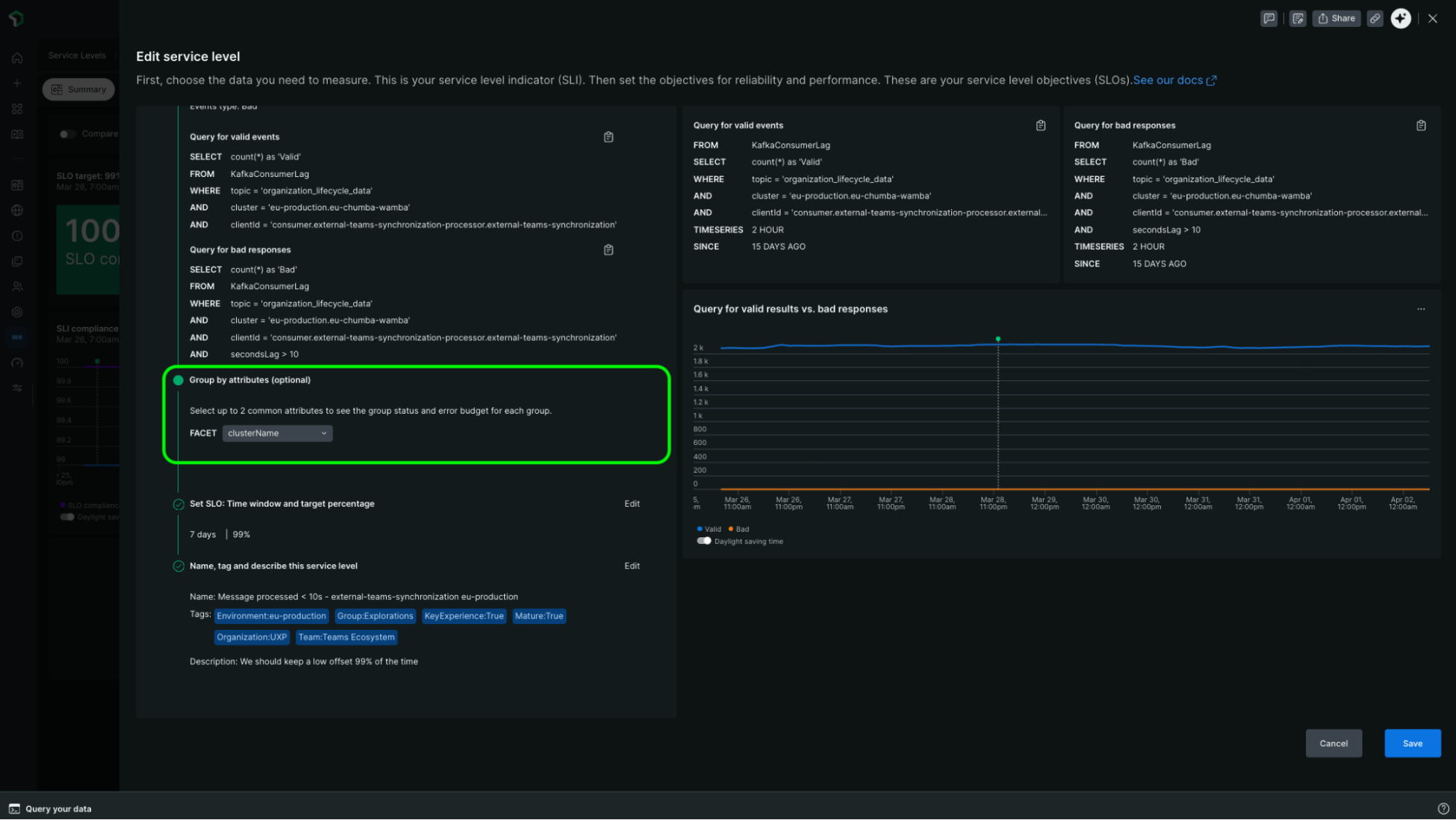
If you're creating a new service level:
Save the service level.
Important
Compliance and error budgets for facets are calculated from the moment of configuration forward. Historical data is not backfilled or recalculated for facets added to existing service levels.
Related topics
Facet service level compliance and error budgets
Learn what faceted service levels are and how they work.
Analyze faceted service level results
View and compare compliance and error budget data broken down by facet.
Create and edit SLIs and SLOs
Learn how to create and configure service levels in New Relic.