시스템 워크로드 설정
All entities > Workloads > + Create a workload으로 이동합니다. 자세한 내용은 워크로드 생성 및 정의를 참조하십시오.
팁
내비게이션에 All entities이(가) 표시되지 않는 경우, one.newrelic.com > Catalogs (으)로 이동하여 Switch back to all entities을(를) 선택하십시오.
workload 의 이름을 입력하고 드롭다운 메뉴 목록에서 계정을 선택합니다.
Entity Type = All 옆에 있는 + 아이콘을 선택하고 필터 표시줄에
sap.system = {SAP System SID}를 입력합니다.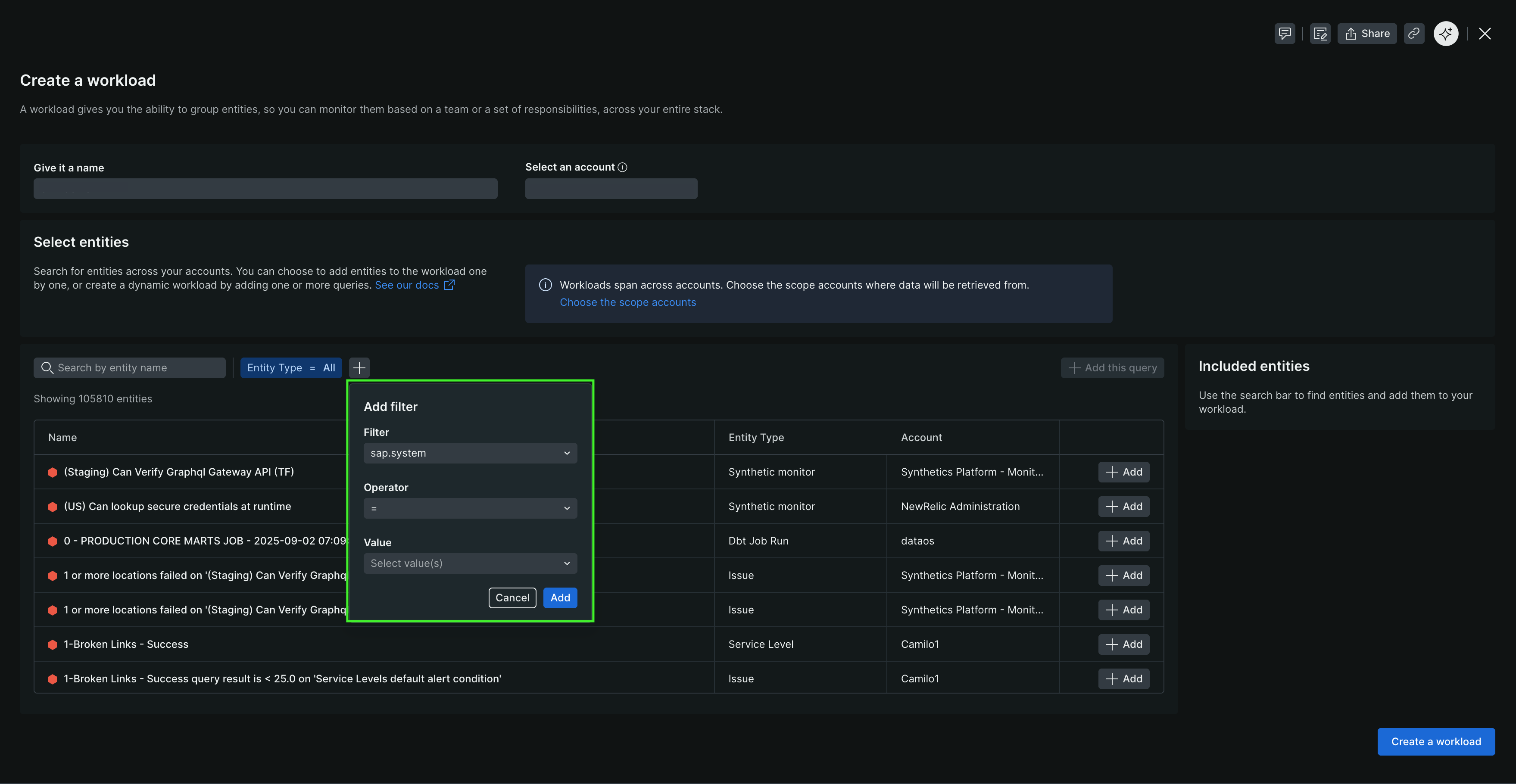
workload definition에 쿼리를 추가하려면 + Add this query 를 선택합니다.
Create a workload 선택합니다.
새로운 workload 이(가) All entities 에 표시되며 SAP system(으)로 태그된 모든 엔티티를 포함합니다.
서비스 팩 설치
Service packs 명명 규칙 K-<Version Number>SP<SP Number>IN<Software Component>.SAR (예: K-240SP01INNEWR.SAR)을 따르는 .SAR 파일로 전달됩니다.
- 트랜잭션
SPAM을 사용하여 service pack 을 설치합니다. - client 000에서 새 configuration template 을(를) 로드합니다.
- Client 000에서 Install New Release and Patch > Copy Template Tables (으)로 이동하십시오.
- Install New Release and Patch > Generate Configuration for New Data Providers에서 새로운 data provider configurations을(를) 생성합니다.
- Install New Release and Patch > Verify Installation Completeness에서 설치를 확인하십시오.