This page provides an overview of the installation steps when using source code to manually install the Streaming Video & Ads agent. For the complete installation with code examples, use the guided install.
Clone the video-agent-android repository.
In your Android project, go to File > New > Import Module.
Enter the location of the library module directory and click Finish.
Important
Library module directory is located in the repo you just cloned. Example modules: NewRelicVideoCore, NRExoPlayerTracker, NRIMATracker.
Repeat steps 2 and 3 with all the modules you want to include.
In your app module's build.gradle file, add the following:
dependencies { ... implementation project(":NewRelicVideoCore") implementation project(":NRExoPlayerTracker") implementation project(':NRIMATracker')}Click Continue.
Set up video player tracking
Select the agent type that matches your implementation:
Video agent with ExoPlayer tracker only: For video playback tracking
Video agent with ExoPlayer and IMA trackers: For video playback and ad tracking
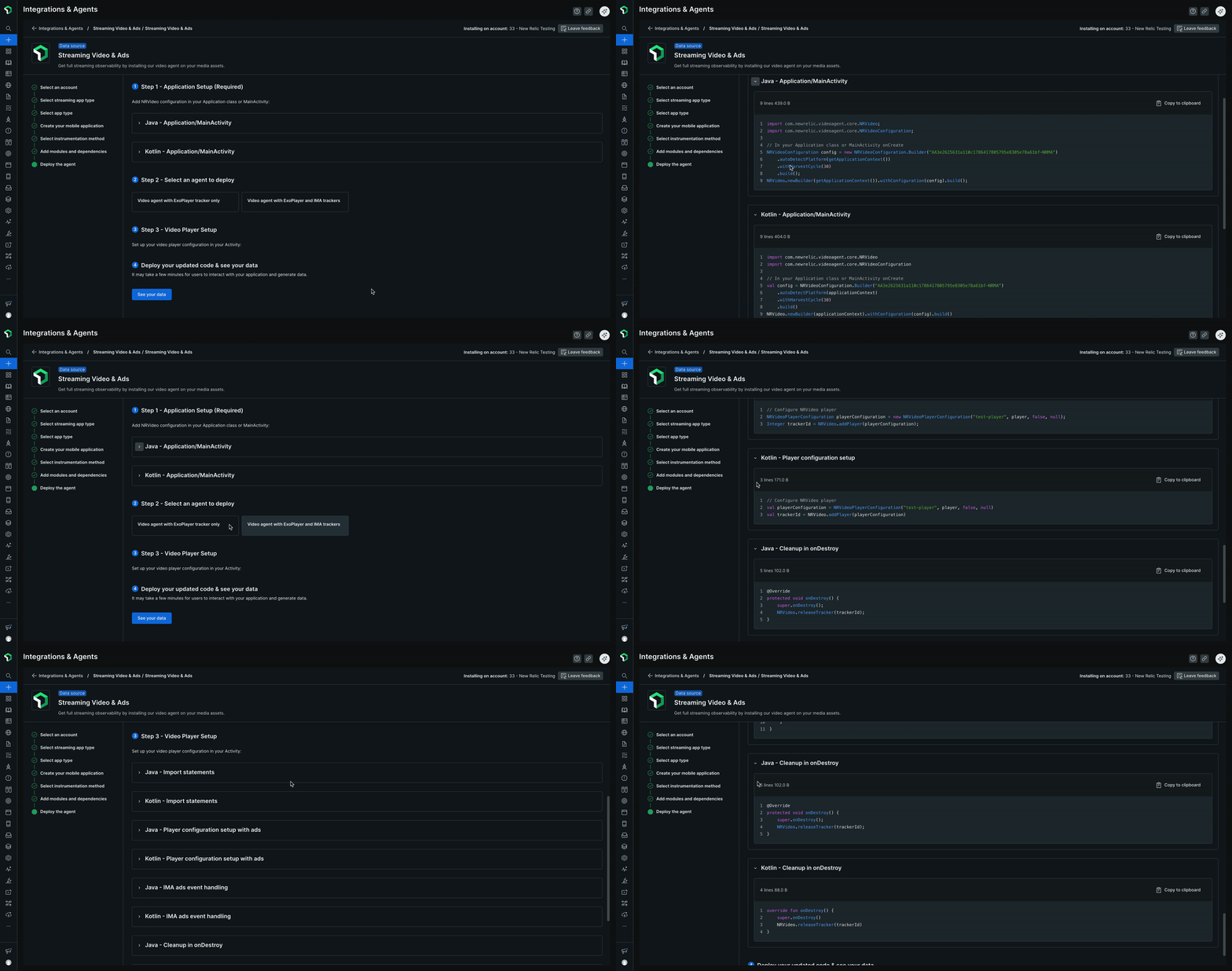
Click See your data to deploy your updated code and see the data.
What's next?
- View your data: Learn about the different views available in New Relic to monitor your streaming video and ads
- Compatibility requirements: Check supported platforms and versions
- Update the agent: Keep your agent up to date