This page provides an overview of the installation steps when using JitPack to install the Streaming Video & Ads agent. For the complete installation with code examples, use the guided install.
Add JitPack repository
Add the JitPack repository to your root build.gradle file.
Add dependencies
Add the video agent dependencies to your app's build.gradle file and click Continue.
Configure the video agent
Add the NRVideo configuration in your Application class or MainActivity's onCreate method.
Set up video player tracking
Select the agent type that matches your implementation:
Video agent with ExoPlayer tracker only: For video playback tracking
Video agent with ExoPlayer and IMA trackers: For video playback and ad tracking
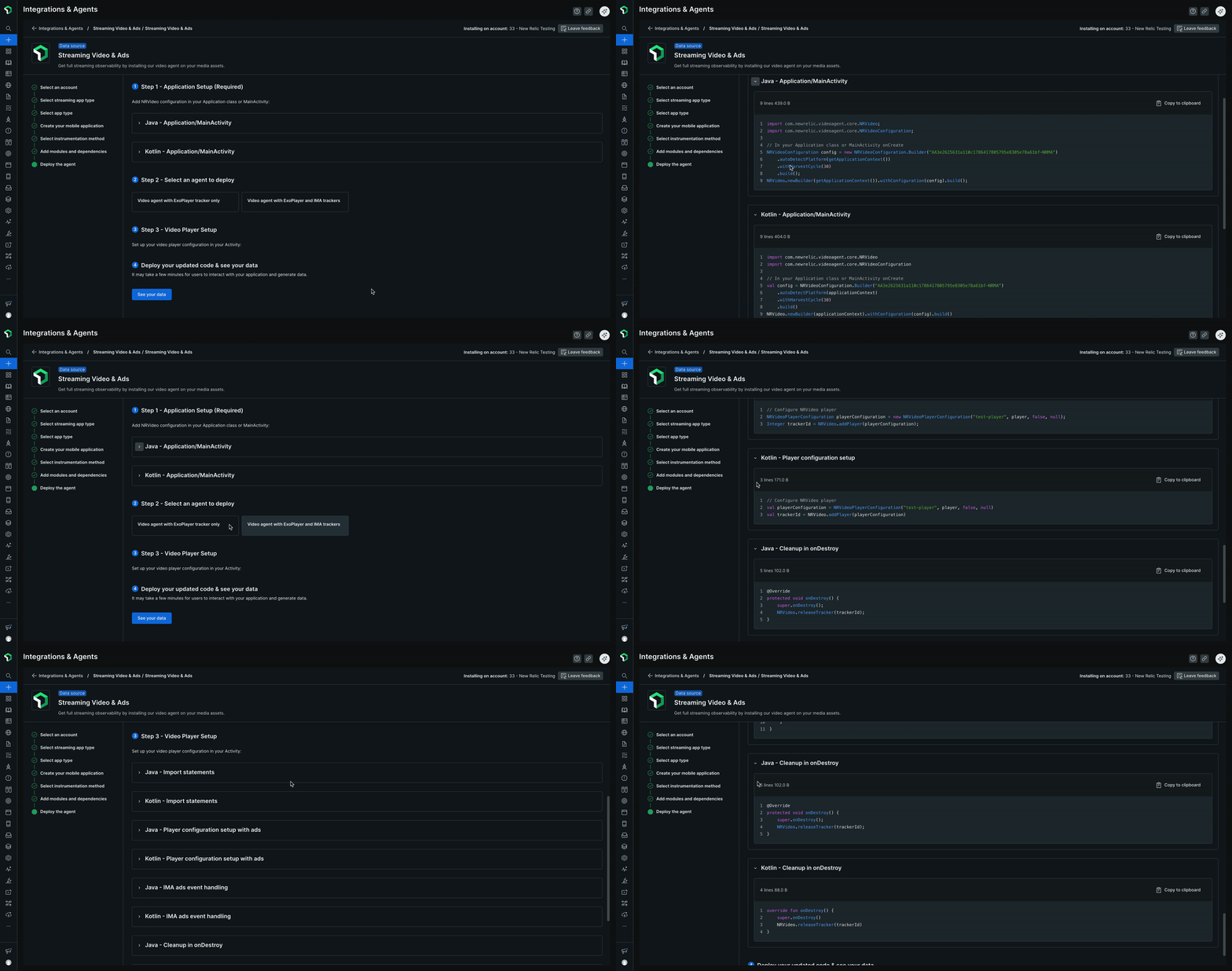
Click See your data to view your streaming data in New Relic.