Esta página fornece uma visão geral das etapas de instalação ao usar o JitPack para instalar o agente de Streaming Video & Ads. Para a instalação completa com exemplos de código, use a instalação guiada.
Adicionar repositório JitPack
Adicione o repositório JitPack ao seu arquivo build.gradle raiz.
Adicionar dependências
Adicione as dependências do agente de vídeo ao arquivo build.gradle do seu aplicativo e clique em Continue.
Configure o agente de vídeo
Adicione a configuração do NRVideo no método onCreate da sua classe Application ou MainActivity.
Configurar o rastreamento do player de vídeo
Selecione o tipo de agente que corresponde à sua implementação:
Agente de vídeo apenas com o rastreador ExoPlayer: Para rastreamento de reprodução de vídeo
Agente de vídeo com rastreadores ExoPlayer e IMA: Para reprodução de vídeo e rastreamento de anúncios
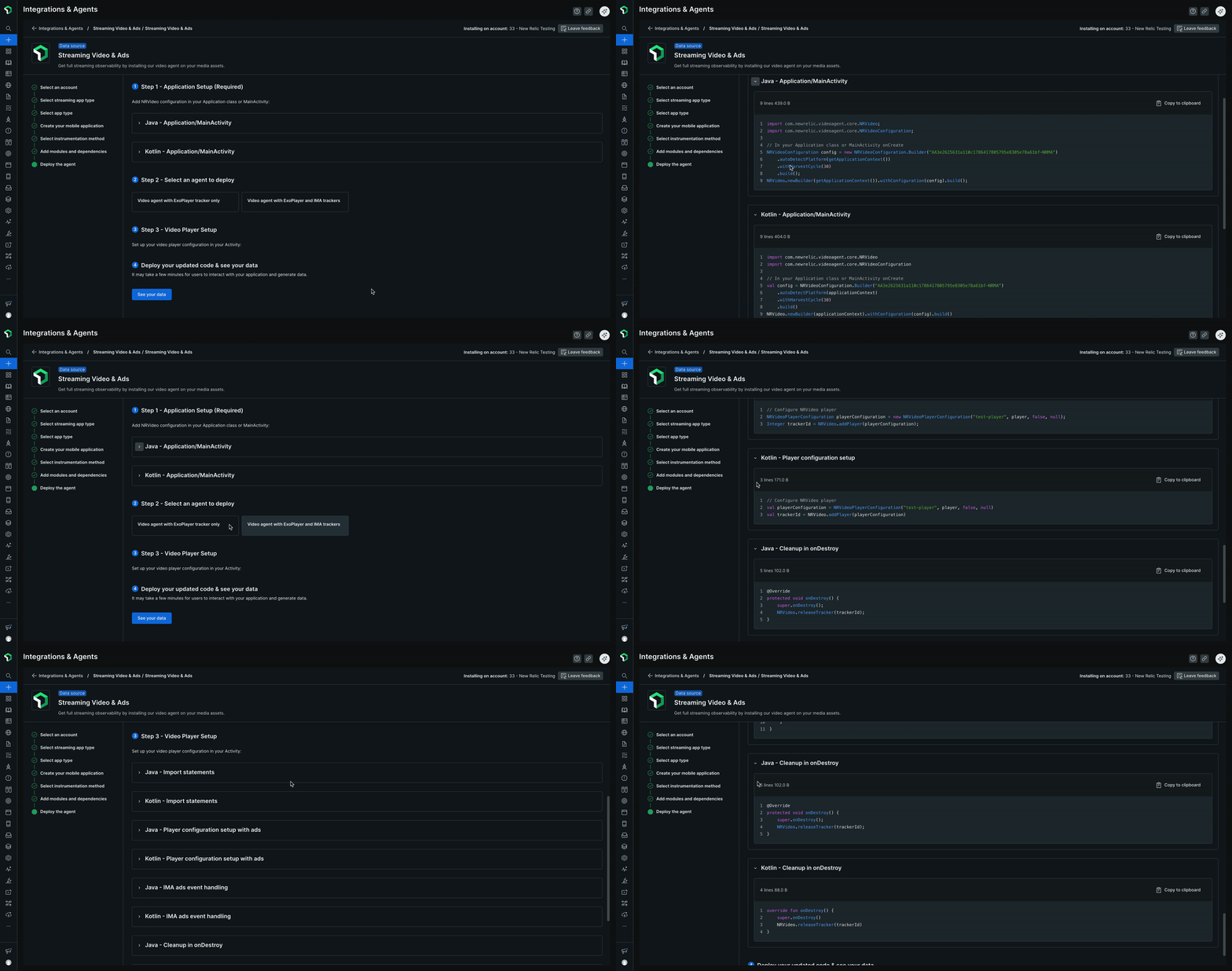
Clique em See your data para visualizar seus dados de streaming no New Relic.