We're releasing new exciting features in Dashboards:
- Support for urls in widget titles and widgets descriptions
- New "visibility" options for Dashboards Template Variables
- Template Variables now available in markdown widgets and titles
Widget Links and Widget Descriptions
Are you looking for ways to provide essential context and navigation for your dashboard widgets without cluttering the view? Our enhanced widget functionality, featuring Widget Links and Widget Descriptions, is designed to solve exactly that. These tools allow you to seamlessly embed extra information and connectivity, helping you communicate data insights more effectively and ensuring your team can quickly explore related resources.
- Widget Descriptions: Deliver contextual information and crucial data nuances as simple tooltips that appear only when a user hovers over the widget. This lets you add context (like thresholds, importance, or caveats) without taking up permanent space on your valuable dashboard real estate.
- Widget Links: Turn widget titles into clickable links that guide users directly to related detailed analysis dashboards, external documentation, runbooks, or any other important resource. This creates an efficient, navigable path for stakeholders to dive deeper into the data they need.
By using both features, you create dashboards that aren't only informative and visually clean but also highly actionable and easy to navigate.
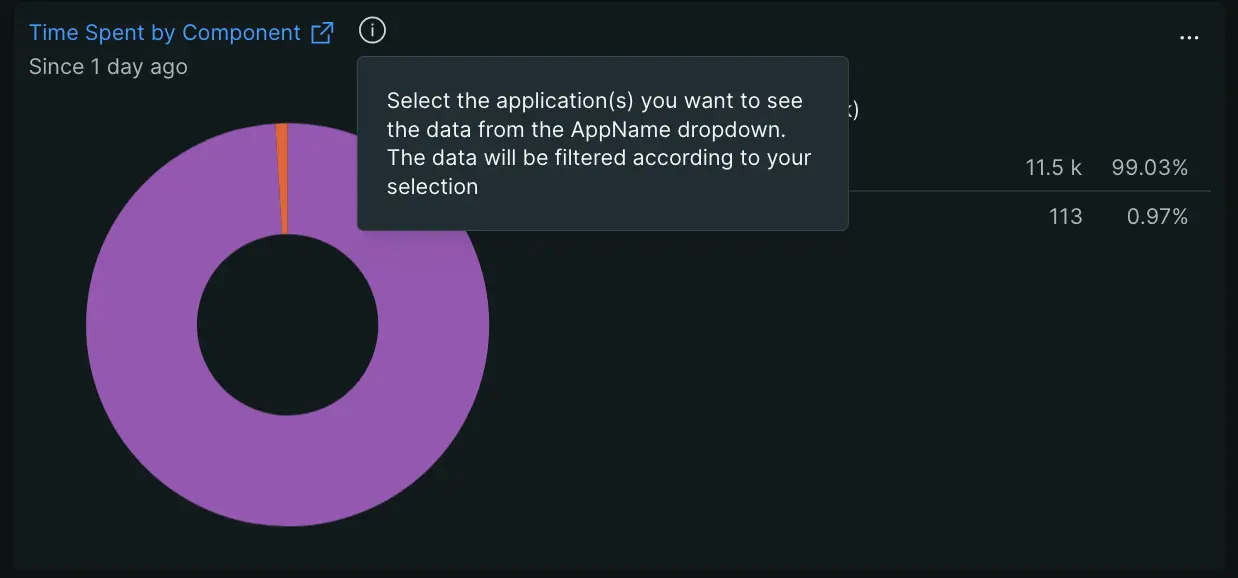
For detailed instructions, please visit this section of the documentation
Variables visibility
The Variables Visibility feature allows you to control which template variables appear in your dashboard's variables bar. This helps you create cleaner, more focused dashboards by hiding variables that viewers don't need to edit, while keeping them accessible in Edit mode for dashboard creators and editors.

What Are Hidden Variables?
Hidden variables are template variables that:
- Work normally behind the scenes to power your dashboard's logic
- Don't appear in the variables bar when viewing the dashboard
- Remain visible in Edit mode, marked with a special icon so editors can identify and manage them
Hidden variables allow the dashboard editor to deliver powerful filtering for the dashboard consumer without burdening them with the selection of variables they don't understand because they're:
- Variables that are used only for calculations or logic
- Nested variables that support other variables but don't need user input
- Variables with default values that rarely need changing
For detailed instructions, please visit this section of the documentation
Template Variables Now Available in Markdown Widgets and titles
Your dashboards more dynamic and contextual than ever: you can now use dashboard template variables directly within your widget titles and Markdown widgets.
This expansion ensures that your dashboards are fully self-documenting, with text and titles that automatically update as users interact with template variable filters.
Key Capabilities
Dynamic Widget Titles
Widget titles will now dynamically reflect the user's variable selection. For example, a title containing {{products}} will update to "Page views per nerdlet: APM" when the user selects "APM."
This feature supports single and multi-select variable choices, providing instant context on the specific data being viewed.
For full details and examples, visit the official documentation
Contextual Markdown Widgets
Insert template variables like {{appName}} or {{environment}} into your Markdown text. The text will dynamically update, allowing you to create contextual notes, documentation, or even dynamic code for visualizations like Mermaid diagrams.
This is perfect for creating help text that guides users based on their current variable selection.
These enhancements work together to provide a clear, professional, and intuitive experience for anyone using your dashboards.
For full details and examples, visit the official documentation